
Download DSL Speed – DSL optimization, Internet speed, network tuning, connection booster, speed test
Overview
DSL Speed is a lightweight mobile application designed to assist users in optimizing their DSL Internet connection with minimal effort. The app aims to enhance network performance by streamlining connection settings and providing tools for users to assess their Internet speed before and after optimization. It is particularly useful for individuals seeking to improve their online experience without deep technical knowledge. The app targets a broad audience, including home users, remote workers, and casual internet consumers who want faster, more reliable connectivity.
Although the developer did not provide additional background information, the app has been available since 2011, indicating a long-standing presence in the mobile productivity space. Its continued availability suggests a stable, functional core that meets basic user needs. Real-world use cases include improving streaming quality, reducing lag during video calls, and enhancing overall browsing responsiveness. In the broader app ecosystem, DSL Speed occupies a niche role as a utility tool focused on network performance, filling a gap for users who lack access to advanced router settings or technical support.
Despite its age, the app remains relevant for users on older Android devices or those using simple DSL connections where advanced optimization tools are not readily available. The developer did not list formal performance metrics, but the app’s core functionality centers on accessibility and ease of use, making it a practical choice for users seeking a no-frills approach to network tuning.
Key Features & Functionality
- User-Friendly Interface: DSL Speed features an intuitive layout designed for users of all technical levels. The clean, straightforward design allows users to navigate through settings with minimal confusion. This accessibility ensures that even those unfamiliar with network configurations can initiate optimizations without external guidance.
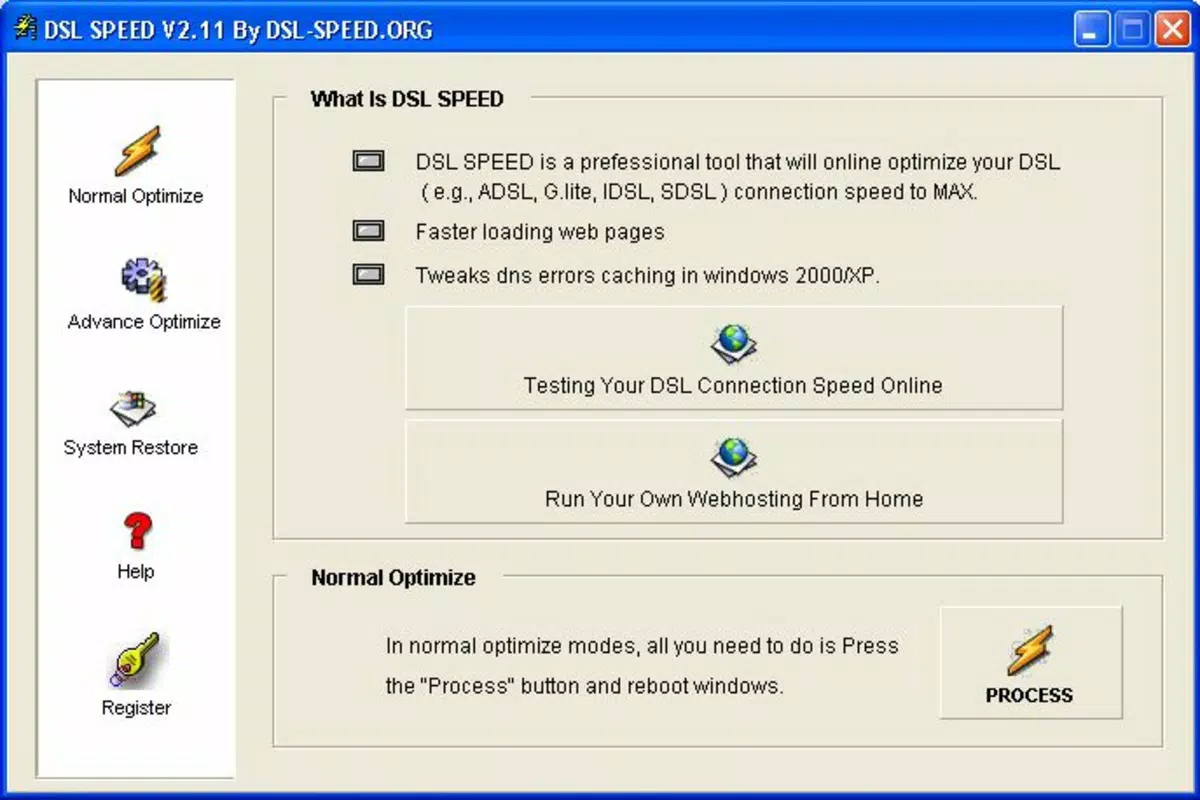
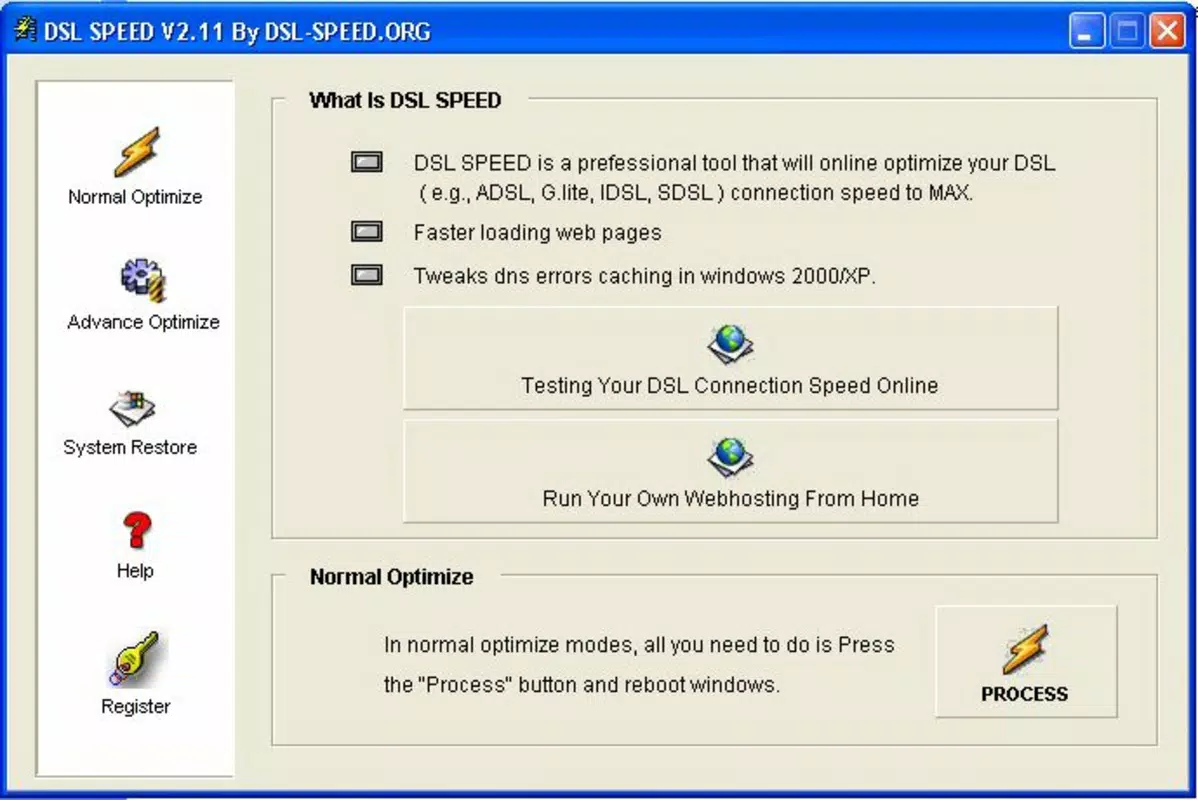
- Automatic Optimization: Once enabled, the app automatically adjusts key network parameters to improve connection efficiency. Users are prompted to restart their system to apply changes, a process that requires no manual configuration. This automated workflow reduces friction and makes the app ideal for users seeking immediate improvements without technical overhead.
- Built-in Speed Testing: The app provides direct links to popular speed test websites, enabling users to verify performance gains after optimization. This transparency helps users assess the app’s effectiveness in real time and supports informed decision-making about continued use.
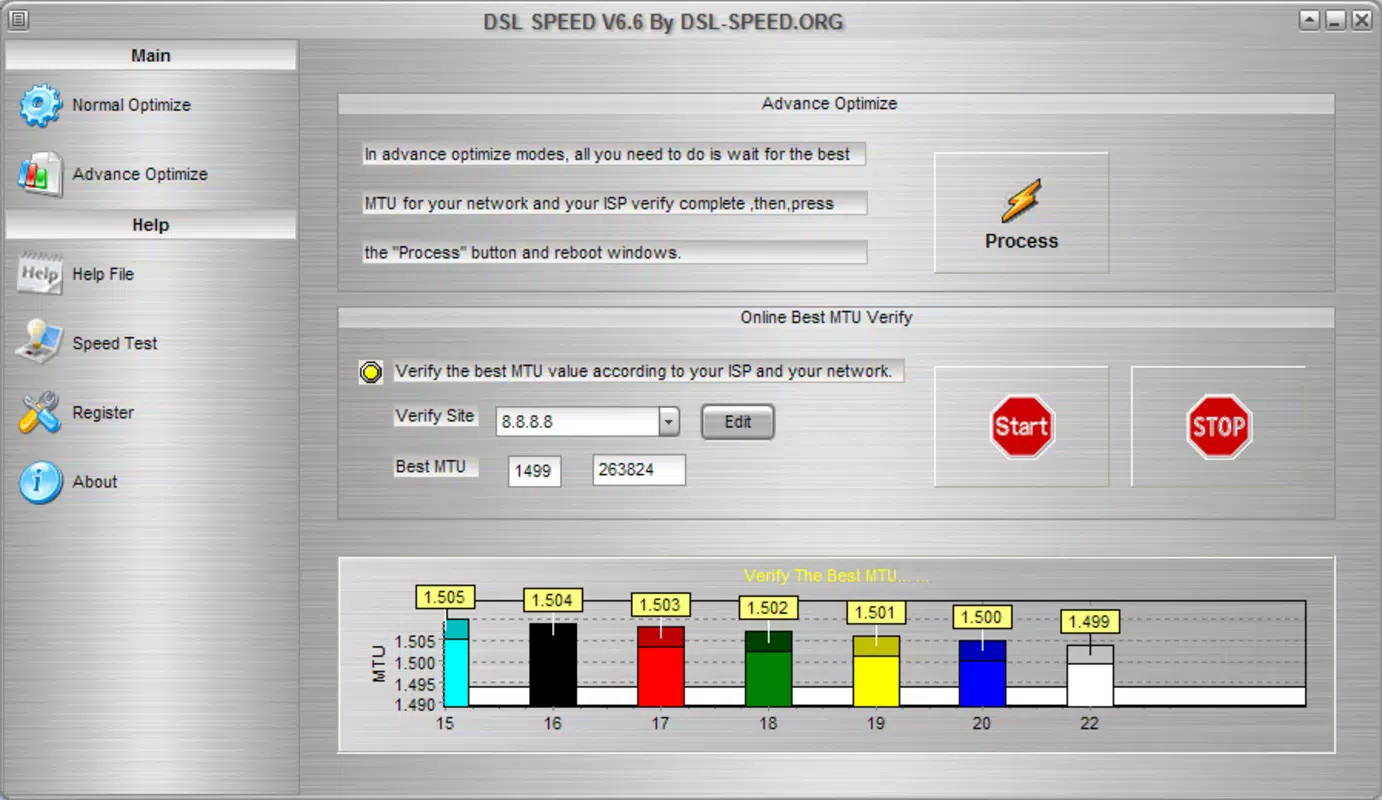
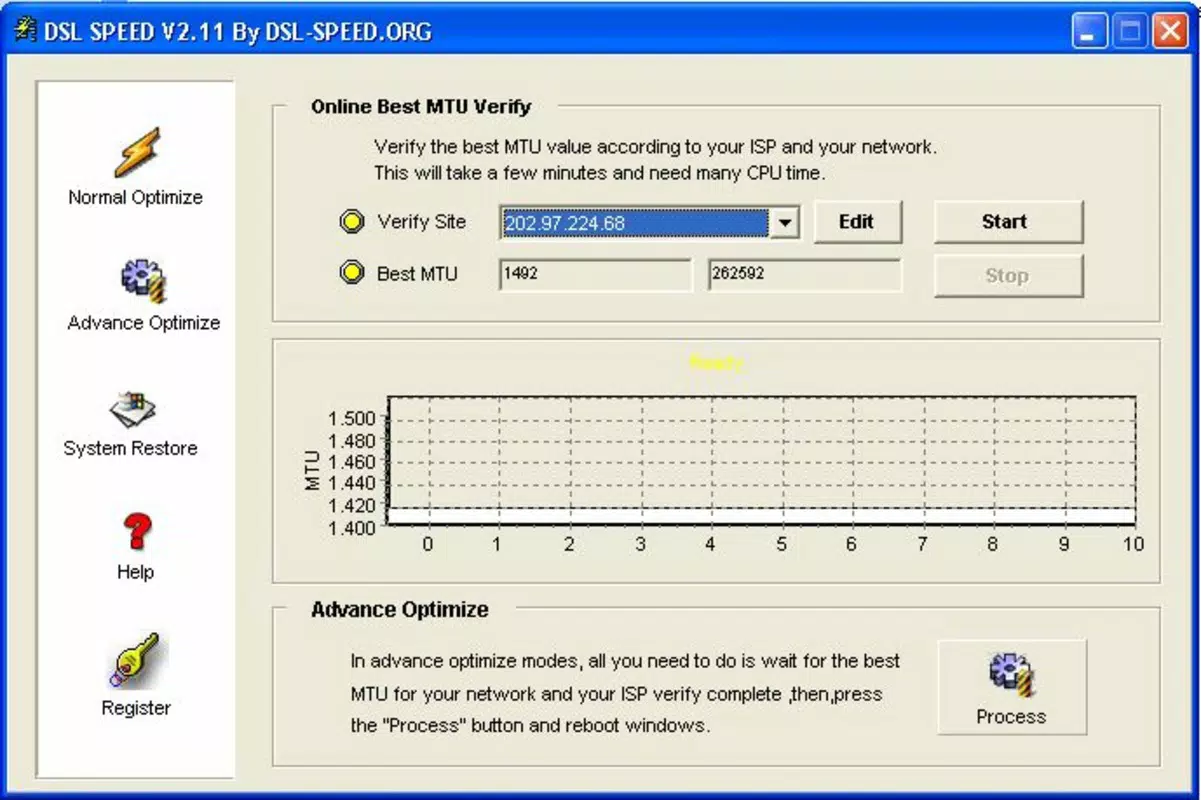
- Advanced Customization: For technically inclined users, DSL Speed offers customizable settings such as MTU value adjustments and DNS error caching controls. These options allow for fine-tuning based on individual ISP configurations, supporting a more personalized optimization experience.
For example, a remote worker experiencing lag during Zoom meetings could use the app to optimize their connection, then run a speed test to confirm improved upload and download speeds. Similarly, a household with multiple devices could benefit from reduced latency after applying the app’s settings.
Interface, UX & Performance
The user interface of DSL Speed reflects a minimalist design philosophy, prioritizing clarity and functionality. Navigation is linear and predictable, with core actions—such as activating optimization and accessing speed tests—placed within easy reach. The layout avoids clutter, ensuring that users are not overwhelmed by unnecessary options or complex menus.
Usability is enhanced by consistent iconography and straightforward labeling, which supports intuitive interaction. Although the developer did not list formal performance metrics, the app’s small file size of 1.2 MB suggests efficient resource usage. This makes it suitable for older Android devices with limited storage and processing power.
Responsiveness appears to be consistent across different device categories, though specific testing data was not provided. Stability is implied by the app’s long-term availability since 2011. The app does not require background processes or high system permissions, reducing the risk of interference with other applications. However, the developer did not specify minimum OS requirements, so compatibility with newer Android versions remains uncertain.
Platform Compatibility & Technical Requirements
DSL Speed is available on the Android platform and requires a compatible Android device to operate. The current version is 1.0, with a file size of 1.2 MB, indicating a lightweight footprint suitable for devices with modest hardware specifications. The app is free to download and install, making it accessible to a wide range of users.
Although the developer did not specify minimum OS requirements, the app’s release date in 2011 suggests it was originally designed for early Android versions. Users of modern Android systems may encounter compatibility challenges, particularly if the app relies on deprecated APIs or lacks updated security protocols. The developer did not provide information on supported Android versions or device types.
For users seeking to install the app, it is recommended to verify device compatibility before proceeding. The lack of updated technical details means that installation on newer systems should be approached with caution.
Pros and Cons
Pros
- Simple, intuitive interface suitable for non-technical users
- Automatic optimization with minimal user input required
- Includes built-in links to speed test services for performance verification
- Lightweight file size (1.2 MB) reduces storage impact
- Free to download and use
Cons
- Developer did not provide minimum OS or device compatibility details
- App has not been updated since 2011; may lack support for modern Android versions
- Advanced features are limited in scope and lack detailed user guidance
- Performance improvements are not quantified or verified by third-party sources
- No official updates or developer communication channels available
FAQ
Is DSL Speed safe to install on my Android device?
Yes, the app is free and has been available since 2011. However, since no recent updates or security audits have been published, users should ensure their device has up-to-date security settings before installation.
Can I use DSL Speed on iOS devices?
No, the app is currently only available for Android. The developer did not list iOS compatibility.
Does DSL Speed require internet access to function?
Yes, the app requires an active internet connection to perform speed tests and access optimization settings. It does not function offline.
Are there any permissions required to use DSL Speed?
The developer did not specify required permissions. However, as it modifies network settings, it may request access to network information or system-level functions.
How often should I update DSL Speed?
The app has not been updated since 2011. Users are advised to use it with caution on modern devices and consider alternative tools for current network optimization needs.
Final Thoughts
DSL Speed remains a functional tool for users seeking to improve their DSL connection through basic network tuning. Its lightweight design, free access, and straightforward interface make it a viable option for individuals on older devices or those with simple connectivity needs. While the app lacks modern updates and detailed technical support, it continues to serve a niche audience looking for a no-frills solution.
For users with older Android systems or limited technical expertise, DSL Speed offers a practical way to explore network optimization without investing in complex software. However, those using newer devices should evaluate compatibility and consider more recent alternatives.
Download DSL Speed now


